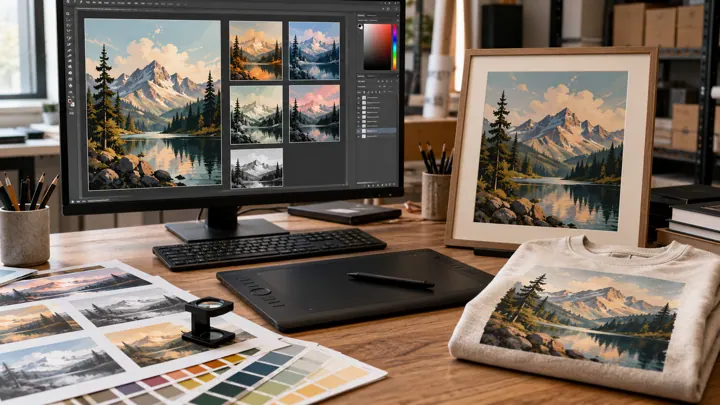
Your mockup tool directly affects listing speed and photo quality. This checklist helps whichever tool you use.
1. Product range
Does it cover everything you sell (t-shirts, sweatshirts, mugs, posters, totes, ornaments…)? Can you add your own photo for missing products?
2. Bulk generation
Can you place one design onto dozens of mockups at once instead of one by one? For a 20-product collection, the difference is hours.
3. Output quality and ratio
Etsy listing photos need high resolution and the right aspect ratio. Check square and portrait outputs.
4. Light and dark products
A design can disappear on a dark shirt. Does the tool make it easy to check visibility across product colors? More: Designing for light and dark products.
5. Commercial use and license
Is your right to use the generated images in Etsy listings clearly stated? Read the terms.
6. Etsy workflow
After the mockup, do you move to another tool, or prepare title, tags and photo order in the same place? Fewer tools, fewer mistakes.
7. Language and price
Is the interface in your language? Is there a free plan to try, and does it require a card?
Where does MockupPanel fit?
MockupPanel combines mockup generation, Etsy listing management and automation in one panel, in English and Turkish. The free plan includes 50 mockups per month, no card required. Compare it against your own checklist.
Related: Etsy listing photos order · What makes an Etsy mockup sell